
I Gave AWS an AI That Watches Our Cloud Bill — Here’s What Happened
Hands-on with AWS FinOps Agent (public preview): setup, Slack, and the “why did our bill jump” question, finally answered without ten browser tabs.
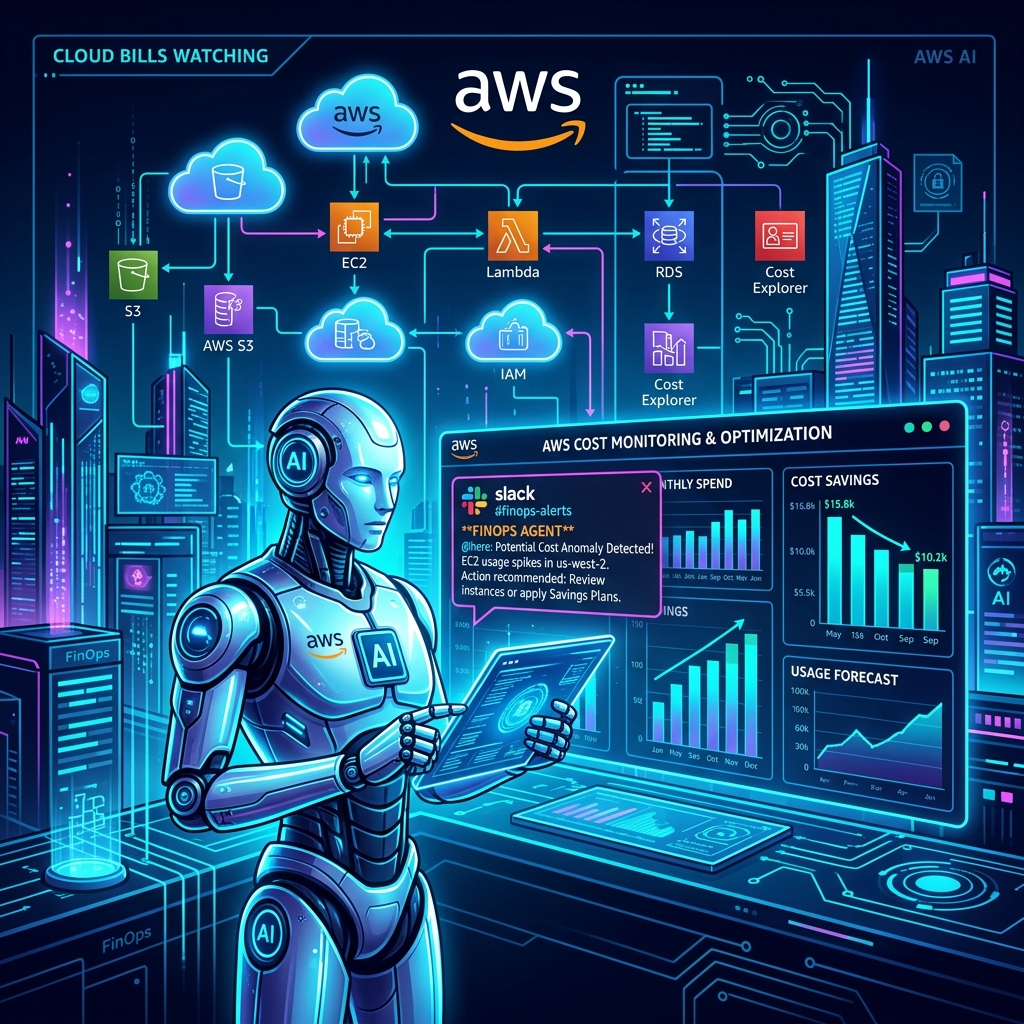
You know the message. It shows up on a random Tuesday:
“Hey, why is our AWS bill up 30% this month?”
And then you disappear into Cost Explorer, CloudTrail, and a graveyard of browser tabs for two hours, trying to reverse-engineer a story out of numbers.
AWS just shipped something aimed squarely at that pain: FinOps Agent — an AI that investigates cost spikes for you and drops the answer straight into Slack. I spent an afternoon setting it up for real. Here’s what it’s like.
⚡ Key Highlights & Evaluation Pipeline
- 🤖 An AI agent that reads your AWS cost data and explains why it changed
- 💬 Delivers answers to Slack or Jira — not another dashboard
- ⏰ Runs on a schedule, on a cost-anomaly event, or on demand
- 🚧 Still in public preview, and only buildable in us-east-1
Core Principles & Guardrails
Step-by-Step Evaluation Flow
- Switch the console to us-east-1, open the FinOps Agent page
- Create an agent → give it a name, let it provision its IAM role
- Connect Slack (you’ll need workspace admin rights, or a friendly nudge to whoever has them)
- Open the web app and start asking it things
Connecting Slack in the AWS console isn’t enough. You also have to open the Slack channel itself → channel name → Integrations tab → add the AWS FinOps Agent app there too. Skip it, and the agent runs its whole analysis… and just quietly never posts. No error. No warning. Just silence.
Real-World Scenario Checklist
- Created (or reused) the #aws-ops channel
- Added the FinOps Agent app via Integrations → Add app
- Selected #aws-ops as the connected channel in the agent config
- Ran a test prompt, and explicitly said “send this to Slack”
- Chat answers don’t auto-post. Ask it a question in the web app, and the answer stays in the web app — unless you tell it to send it to Slack. Scheduled reports and anomaly automations do post automatically, no asking required.
- What lands in Slack is a link, not the full report. It’s a “click through for the details” experience, not a fat Slack card with every number spelled out. Set that expectation early so nobody’s confused by a short message.
Evaluation Pillars & Controls
Scheduled reports
Ask for a weekly or monthly cost report, delivered as HTML, PDF, or PPT — automatically. No more building the same spreadsheet every Monday.
Anomaly-triggered investigations
Tell it: “Watch for Cost Anomaly Detection events, find the root cause, post it in #aws-ops." From then on, spikes get investigated and explained without anyone lifting a finger. You can even set a dollar threshold so it only speaks up when it matters.
One-off questions
For the “wait, what happened right now” moments — just ask, in plain English.
Context that sticks
Upload an account-to-owner mapping once, and every future Slack message can tag the actual responsible engineer by name, instead of a generic alert nobody owns.
Common Gotchas & Edge Cases
- Slack is one-way. It posts to Slack — you can’t start a conversation from Slack yet.
- Single-region control plane — a real constraint for orgs with strict tooling-residency rules.
- AI output, not gospel. Someone reported it missing credit-adjusted totals until they asked more precisely. Sanity-check before you trust a number.
Summary & Takeaways
Yes. Going from nothing set up to “spike detected → root cause found → posted in #aws-ops with the right person tagged" in under an hour is a strong start for a product that's still in preview.
It won’t replace a mature FinOps practice. But it kills the two-hour tab-hunting ritual — and it’s free while it’s in preview, so the only real cost is fifteen minutes of your afternoon.
Tried it yet? I’d love to hear how the Jira side compares to Slack — drop a comment.